
AV Ultra · Motion practice
Final Cut Pro.
Apple Motion.
Beyond.
Learn editing, motion graphics, templates, and effects in the tools you use every day. Then extend the work into shaders and FxPlug, live data visuals, AI model generation, and the production systems behind them.
Start with the tools
From the icon to the timeline.
Final Cut Pro and Apple Motion remain the core AV Ultra classroom. Follow an effect from its design in Motion into the edit, then build outward into shaders, FxPlug, live data, and generated media.
 Final Cut ProEditing · effects · delivery
 Apple MotionGraphics · behaviors · templates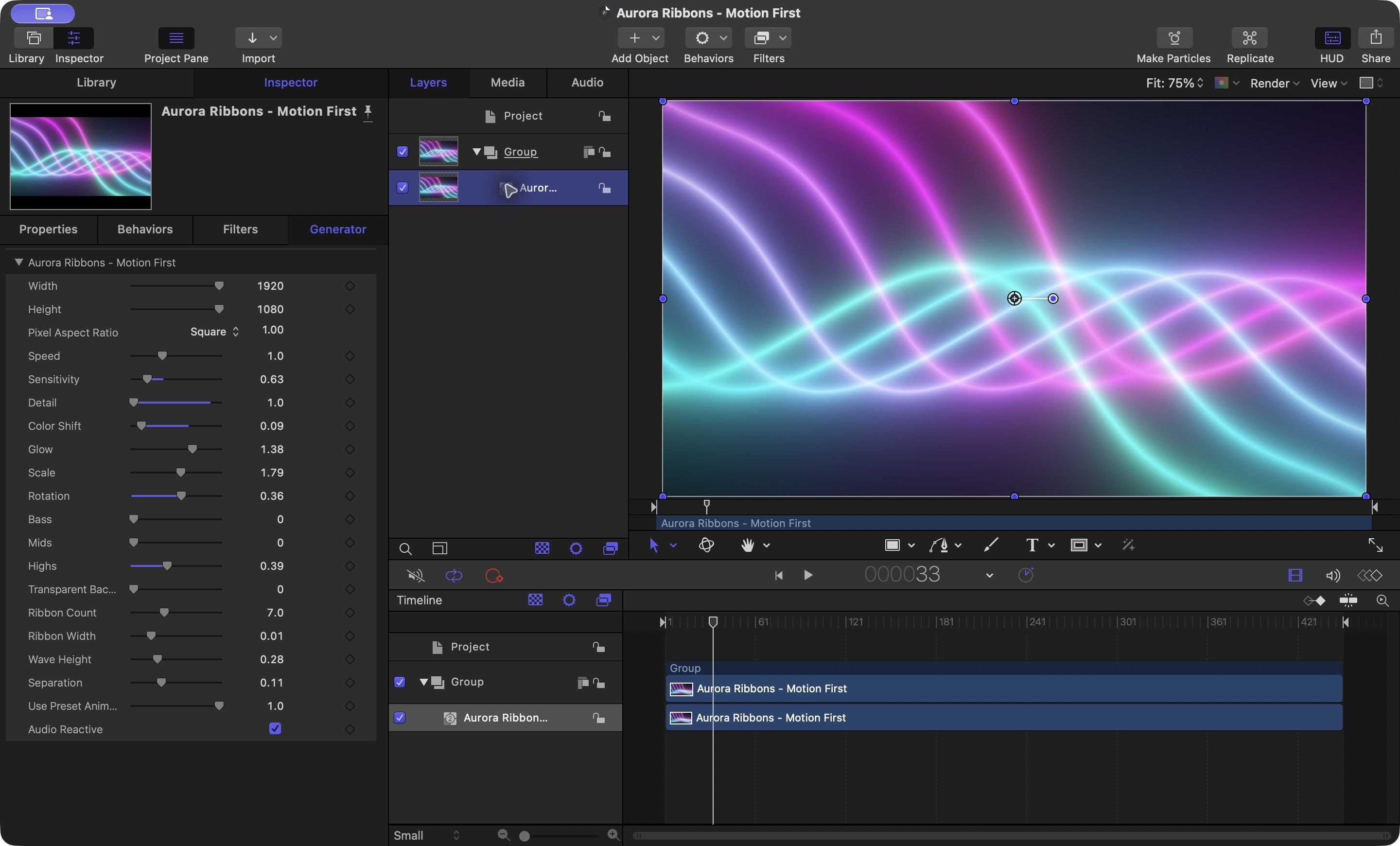
From edit to pipeline
Learn the craft.
Widen the frame.
AV Ultra starts with an edit and a motion graphic, then moves outward: how images are built, data is visualized, models are generated, and production comes together.
Final Cut Pro
Shape footage, sound, and timing into clear sequences, from the first cut through post-production.
Apple Motion
Build titles, behaviors, rigs, and reusable templates—and understand why each part moves.
Shaders & FxPlug
Develop custom effects with shader logic and explore how FxPlug brings plug-in effects into Final Cut Pro.
Real-time data visualization
Connect changing information to graphics that update as the data changes.
AI model generation
Explore generating media with AI models, assess the results, and prepare assets for use.
Production process
Plan, create, review, and finish. Study the people, tools, and decisions behind a complete pipeline.
In development
A deeper study of Motion.
The next AV Ultra masterclass starts with Apple Motion and reusable graphics, with an emphasis on understanding the process behind each result.
Motion Masterclass
Motion graphicsReusable templates
A guided course in building motion graphics and templates with intention. The class is being developed; dates and enrollment will be shared when they are ready.
from the archive.FINAL CUT PRO / APPLE MOTION / ADOBE / MOTIONVFX
The library remains
Years of practical lessons, still within reach.
The original tutorials, quick tips, and creative challenges remain available while AV Ultra develops its next courses. Start with a tool or technique, then follow the work into new kinds of media.

